Money · checklist · PR57
Account security check-up
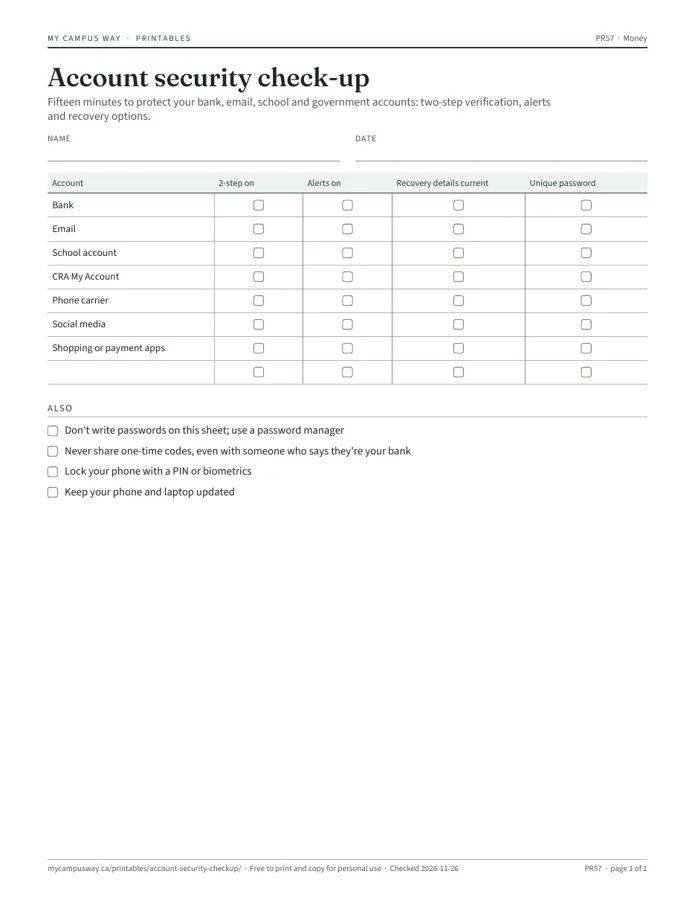
Fifteen minutes to protect your bank, email, school and government accounts: two-step verification, alerts and recovery options.
Online companion in the toolkit: First-week account setup checklist (TK365).
Download
- PDF, US Letter (fillable) · 47 KB
- PDF, A4 (fillable) · 47 KB
- Word (.docx), editable · 38 KB
- Excel (.xlsx), editable · 7 KB
The PDFs have fill-in boxes you can type into in a PDF reader, or print and write by hand. Both sizes print without scaling. The Word and Excel files are yours to change. Nothing is sent to us.
How to use it
- Go account by account and tick each setting as you turn it on.
- Start with email: it can reset every other account.
- Use a password manager instead of writing passwords down.
- Repeat every six months.
What's on the sheet
Table
- Columns: Account, 2-step on, Alerts on, Recovery details current, Unique password
- Rows: Bank, Email, School account, CRA My Account, Phone carrier, Social media, Shopping or payment apps
Also
- Don't write passwords on this sheet; use a password manager
- Never share one-time codes, even with someone who says they're your bank
- Lock your phone with a PIN or biometrics
- Keep your phone and laptop updated
Prefer to type the numbers in? First-week account setup checklist (online template)