Money · worksheet · PR44
Bank account comparison sheet
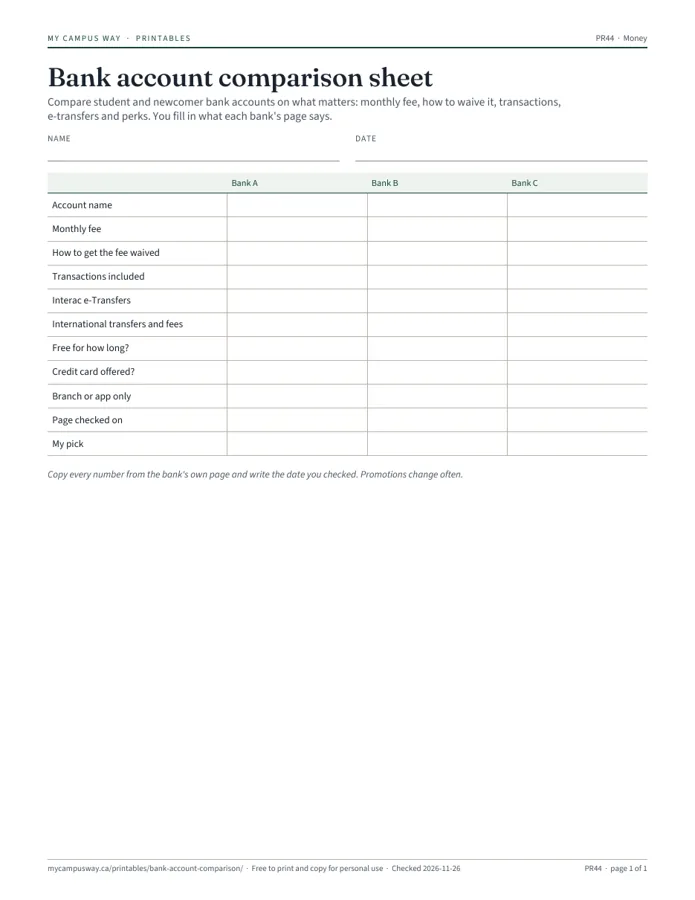
Compare student and newcomer bank accounts on what matters: monthly fee, how to waive it, transactions, e-transfers and perks. You fill in what each bank's page says.
Online companions in the toolkit: Bank account fee comparison (TK327) · Ask your bank to refund a fee (TK396).
Download
- PDF, US Letter (fillable) · 62 KB
- PDF, A4 (fillable) · 62 KB
- Word (.docx), editable · 38 KB
- Excel (.xlsx), editable · 6 KB
The PDFs have fill-in boxes you can type into in a PDF reader, or print and write by hand. Both sizes print without scaling. The Word and Excel files are yours to change. Nothing is sent to us.
How to use it
- Open each bank's official page for the student or newcomer account.
- Fill in the fee and what happens when the free period ends.
- Check what you need to open it (ID, proof of enrolment).
- Pick the one that suits how you actually bank.
What's on the sheet
Table
- Columns: , Bank A, Bank B, Bank C
- Rows: Account name, Monthly fee, How to get the fee waived, Transactions included, Interac e-Transfers, International transfers and fees, Free for how long?, Credit card offered?, Branch or app only, Page checked on, My pick
Prefer to type the numbers in? Bank account fee comparison (online calculator) · Ask your bank to refund a fee (online template)