Study · worksheet · PR281
Cornell notes page
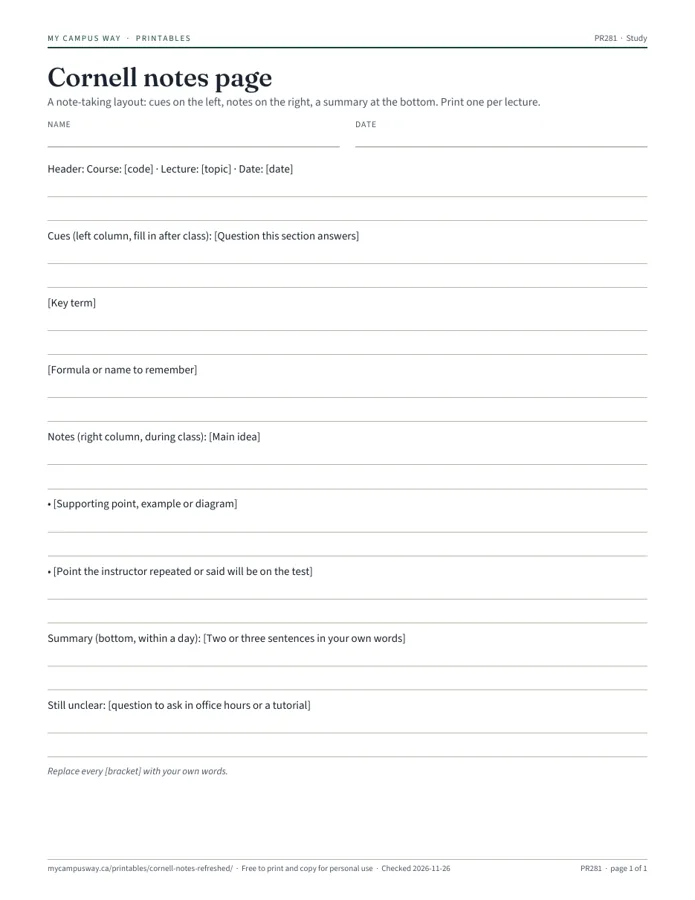
A note-taking layout: cues on the left, notes on the right, a summary at the bottom. Print one per lecture.
Printable version of TK218 in the refreshed design. The original stays on the toolkit: open the TK218 toolkit page.
Download
- PDF, US Letter (fillable) · 44 KB
- PDF, A4 (fillable) · 45 KB
- Word (.docx), editable · 38 KB
The PDFs have fill-in boxes you can type into in a PDF reader, or print and write by hand. Both sizes print without scaling. The Word and Excel files are yours to change. Nothing is sent to us.
How to use it
- Same content as the toolkit original, in the printables design.
- Tick or fill it in on screen (PDF) or print it.
- The original stays available on its toolkit page.
What's on the sheet
Prompts
- Header: Course: [code] · Lecture: [topic] · Date: [date]
Prompts
- Cues (left column, fill in after class): [Question this section answers]
- [Key term]
- [Formula or name to remember]
Prompts
- Notes (right column, during class): [Main idea]
- • [Supporting point, example or diagram]
- • [Point the instructor repeated or said will be on the test]
Prompts
- Summary (bottom, within a day): [Two or three sentences in your own words]
- Still unclear: [question to ask in office hours or a tutorial]