Career · tracker · PR500
Apprentice logbook reminder sheet
A reminder sheet next to your official logbook: skills signed off, dates, and sponsor-record reminders. Use the official logbook from your authority; this page does not replace it.
Download
- PDF, US Letter (fillable) · 86 KB
- PDF, A4 (fillable) · 89 KB
- Word (.docx), editable · 38 KB
- Excel (.xlsx), editable · 7 KB
The PDFs have fill-in boxes you can type into in a PDF reader, or print and write by hand. Both sizes print without scaling. The Word and Excel files are yours to change. Nothing is sent to us.
How to use it
- Get the official logbook for your trade.
- Note each skill here when signed off.
- Copy it into the official logbook the same week.
What's on the sheet
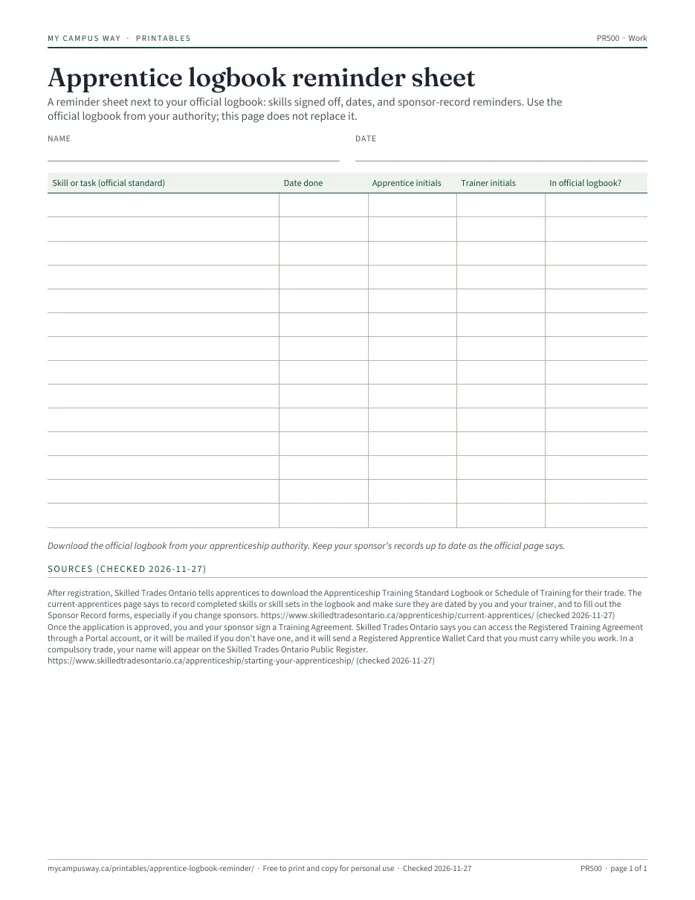
Table
- Columns: Skill or task (official standard), Date done, Apprentice initials, Trainer initials, In official logbook?
- 14 blank rows
Sources
- After registration, Skilled Trades Ontario tells apprentices to download the Apprenticeship Training Standard Logbook or Schedule of Training for their trade. The current-apprentices page says to record completed skills or skill sets in the logbook and make sure they are dated by you and your trainer, and to fill out the Sponsor Record forms, especially if you change sponsors. Source · checked 2026-11-27
- Once the application is approved, you and your sponsor sign a Training Agreement. Skilled Trades Ontario says you can access the Registered Training Agreement through a Portal account, or it will be mailed if you don't have one, and it will send a Registered Apprentice Wallet Card that you must carry while you work. In a compulsory trade, your name will appear on the Skilled Trades Ontario Public Register. Source · checked 2026-11-27