Access · checklist · PR167
Registering for academic accommodations
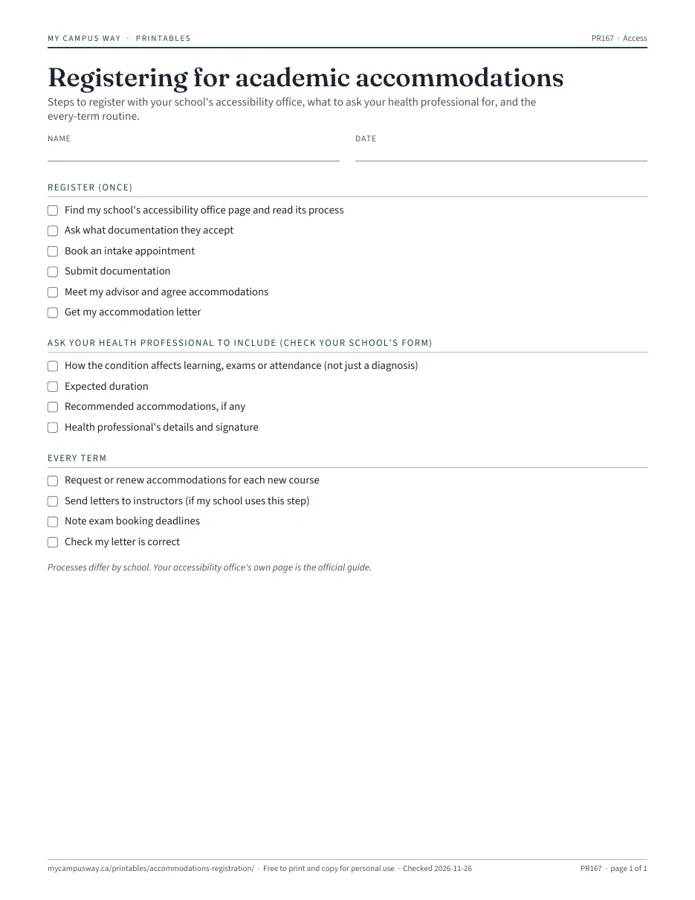
Steps to register with your school's accessibility office, what to ask your health professional for, and the every-term routine.
Online companion in the toolkit: Academic accommodation request email (TK191).
Download
- PDF, US Letter (fillable) · 47 KB
- PDF, A4 (fillable) · 47 KB
- Word (.docx), editable · 38 KB
- Excel (.xlsx), editable · 8 KB
The PDFs have fill-in boxes you can type into in a PDF reader, or print and write by hand. Both sizes print without scaling. The Word and Excel files are yours to change. Nothing is sent to us.
How to use it
- Start as early as you can; registration can take weeks.
- Use your school's documentation form if it has one.
- Renew every term if your school requires it.
- Keep copies of every letter.
What's on the sheet
Register (once)
- Find my school's accessibility office page and read its process
- Ask what documentation they accept
- Book an intake appointment
- Submit documentation
- Meet my advisor and agree accommodations
- Get my accommodation letter
Ask your health professional to include (check your school's form)
- How the condition affects learning, exams or attendance (not just a diagnosis)
- Expected duration
- Recommended accommodations, if any
- Health professional's details and signature
Every term
- Request or renew accommodations for each new course
- Send letters to instructors (if my school uses this step)
- Note exam booking deadlines
- Check my letter is correct
Prefer to type the numbers in? Academic accommodation request email (online template)